
How to do an AI walkaround
The AI walkaround turns a handful of guided phone photos into a plain-English condition summary that shows up right inside your vehicle report. It takes about two minutes, no special equipment — just your phone and the car in decent light. Here's exactly what to shoot and how.
Before you start
- Good light. Daylight or a well-lit area. Avoid harsh shadows and direct glare on the paint.
- Stand back. Get the whole panel or the whole car in frame — don't crop.
- Clean-ish helps. A quick wipe-down means the AI sees the car, not the dust.
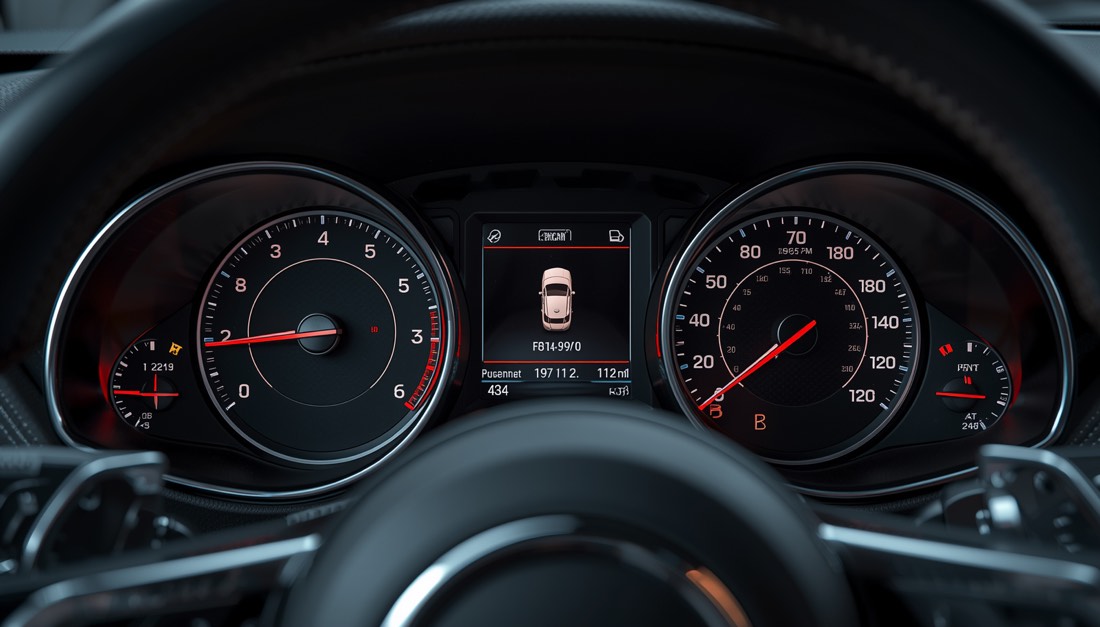
- Engine running for the dashboard shot so the warning lights are visible.
The shots to take
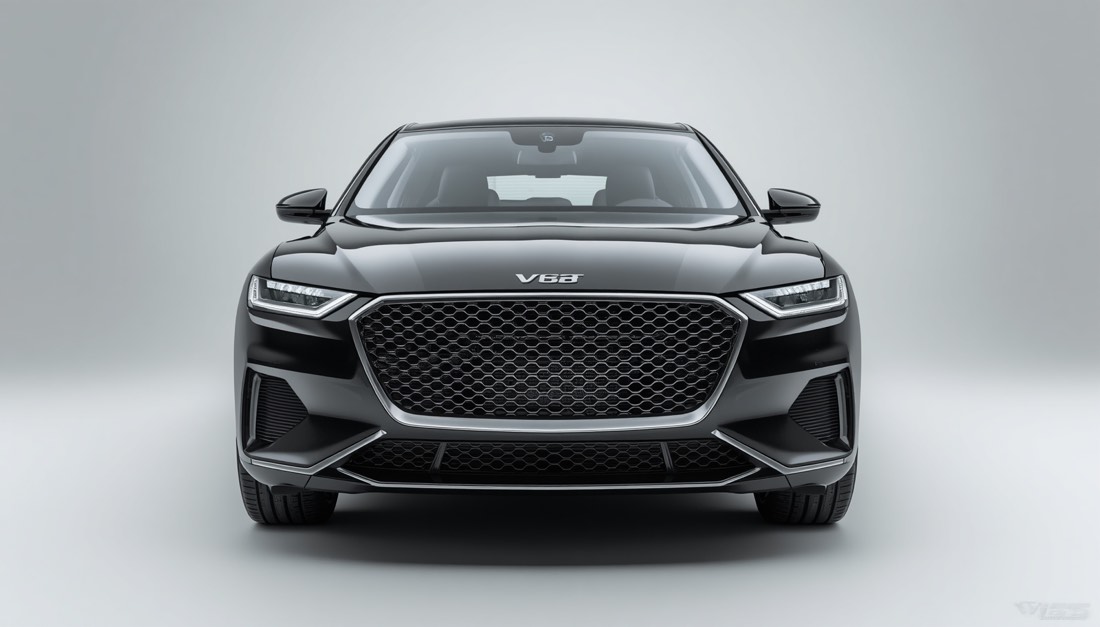
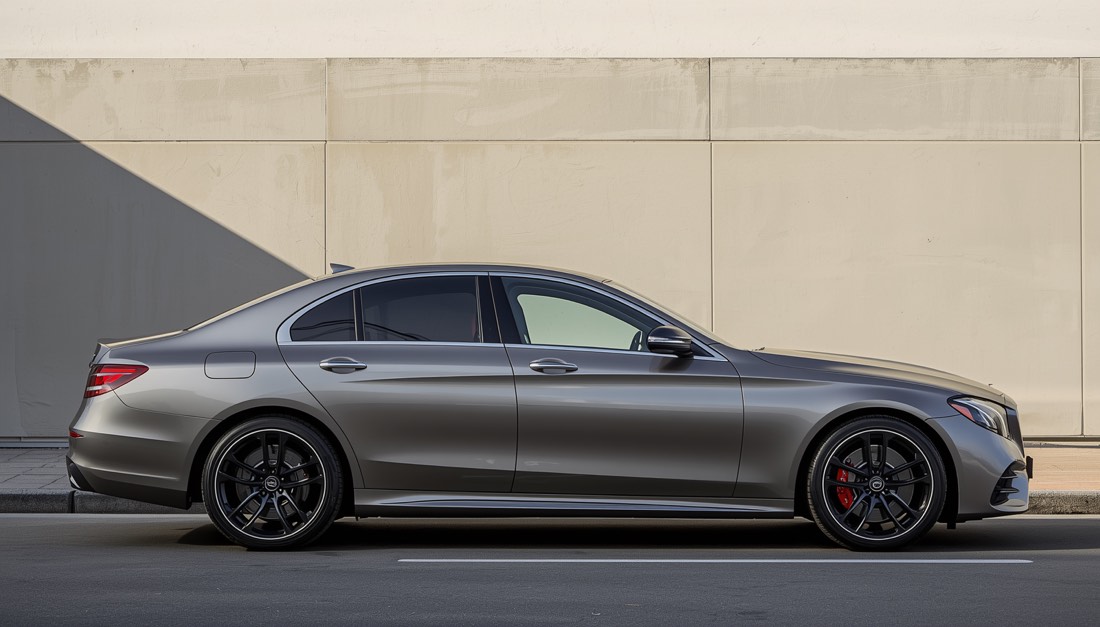
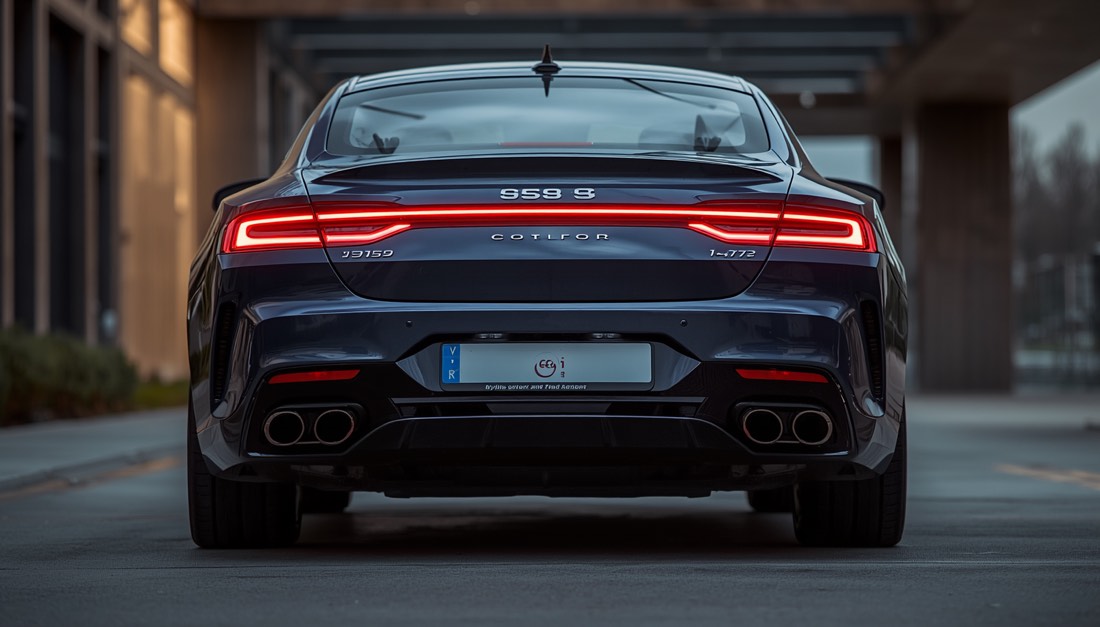
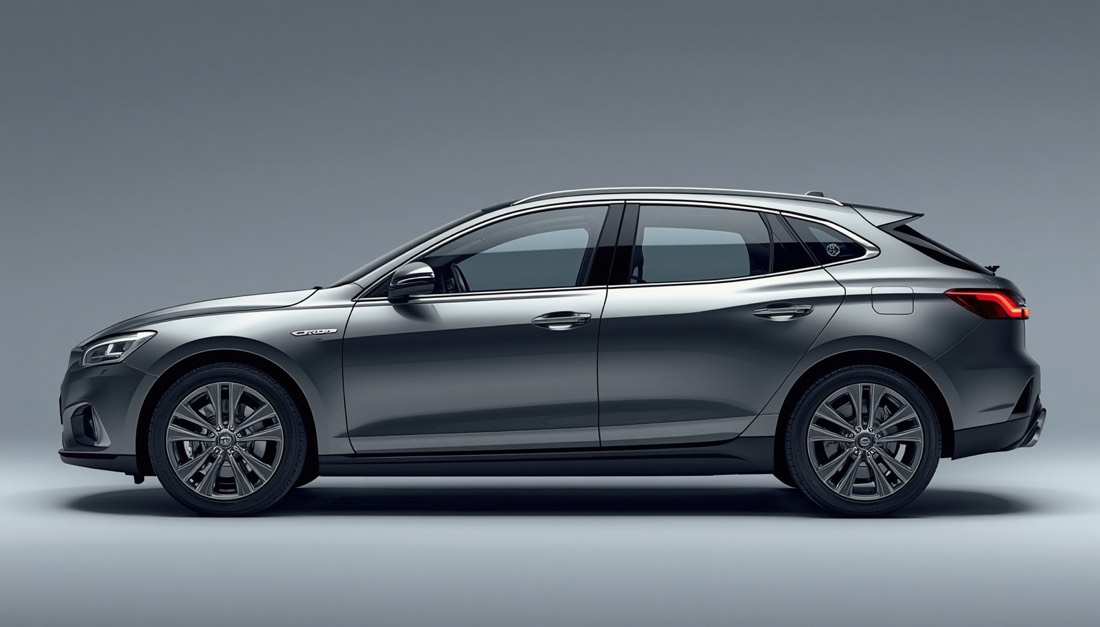
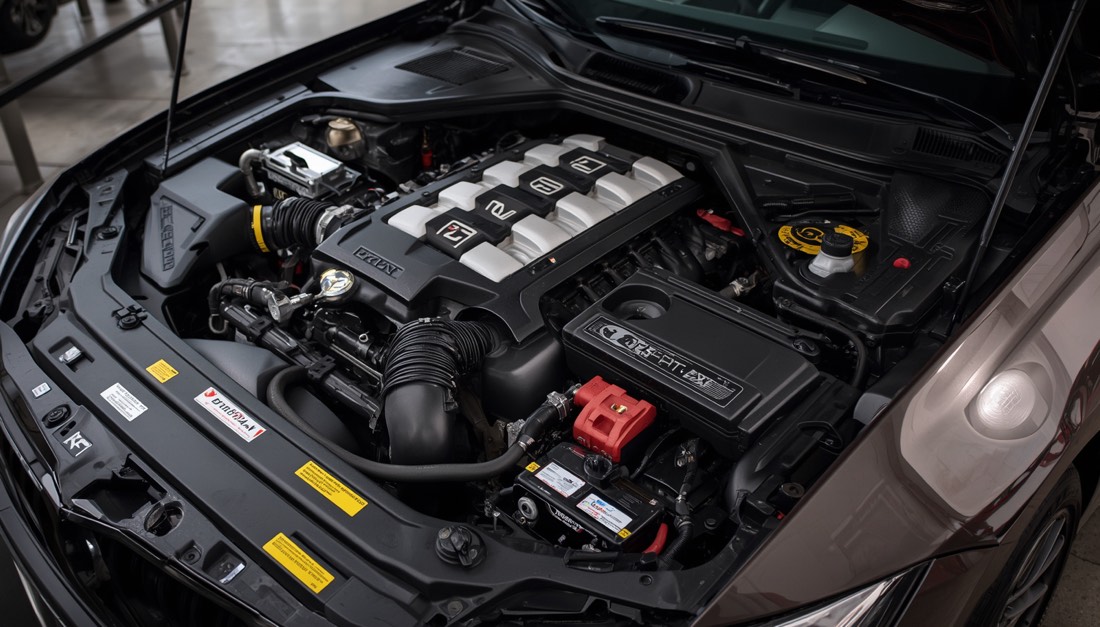
The four exterior angles are required; the rest are optional but make the report a lot more useful. For each one, here's what it's for — and a sample photo to match.
Tips for photos the AI can actually read
- Hold the phone steady — a blurry photo gets rejected by the completeness check.
- One subject per shot. The "front" photo should be mostly the front of the car.
- For the odometer and VIN plate, get close enough that the digits are sharp and readable.
- Shoot the dashboard with the ignition ON (engine running) so any warning lights show.
What the walkaround does — and doesn't do
The AI summarizes visible condition: panel damage, obvious leaks or missing caps, interior wear, warning lights, and whether the basic angles are covered. It is not a mechanical or pre-purchase inspection — it can't tell you about engine internals, transmission health, or anything under the surface. For that, book a Zoooom Certified mechanic. The walkaround complements your Verified Report; it doesn't replace a wrench.